1The page at a glance
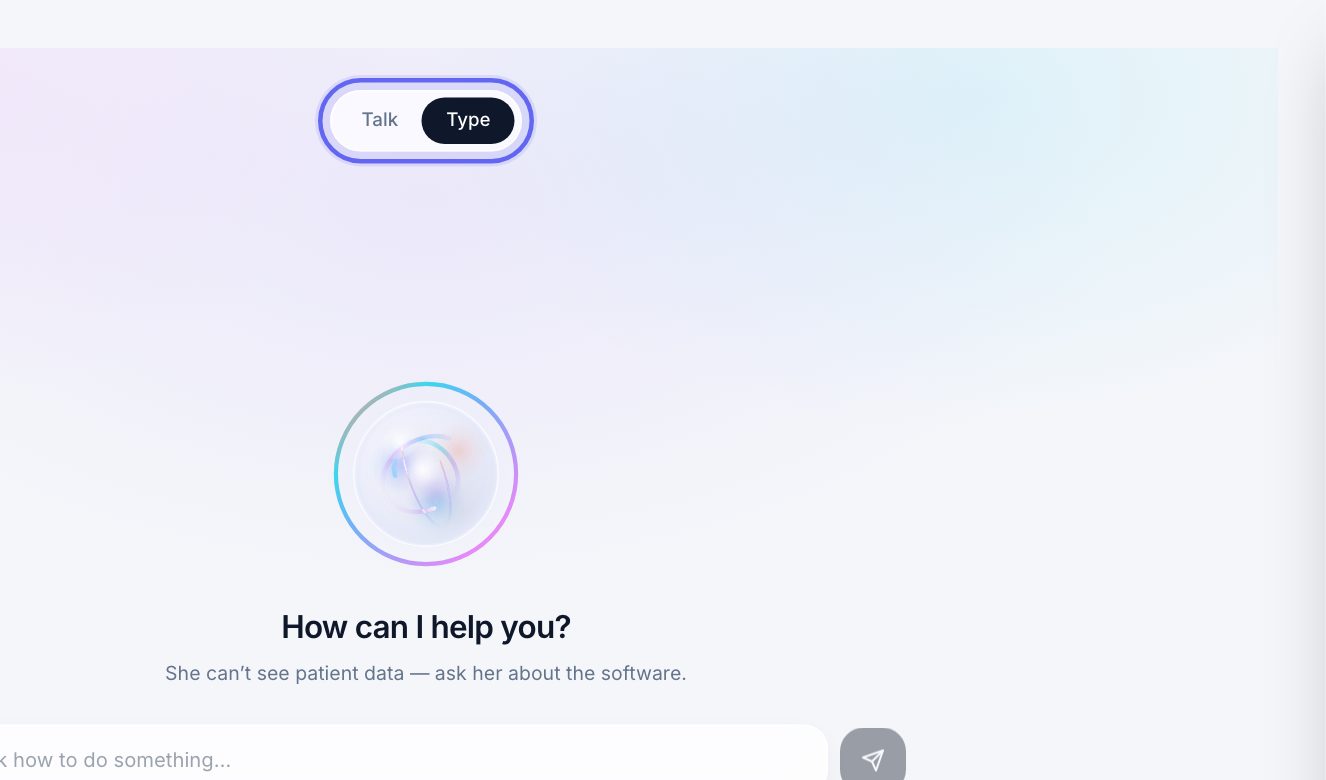
Open AI Assistant under Help, at the bottom of the sidebar.
At the top are two tabs: Talk and Type. The page opens on Type.
2What it can help with
Ask it how to do something in Aminova: where a setting lives, how to take a payment, how to send a form.
It can’t see patient data, so don’t ask about a patient. Ask about the software.
3Type a question
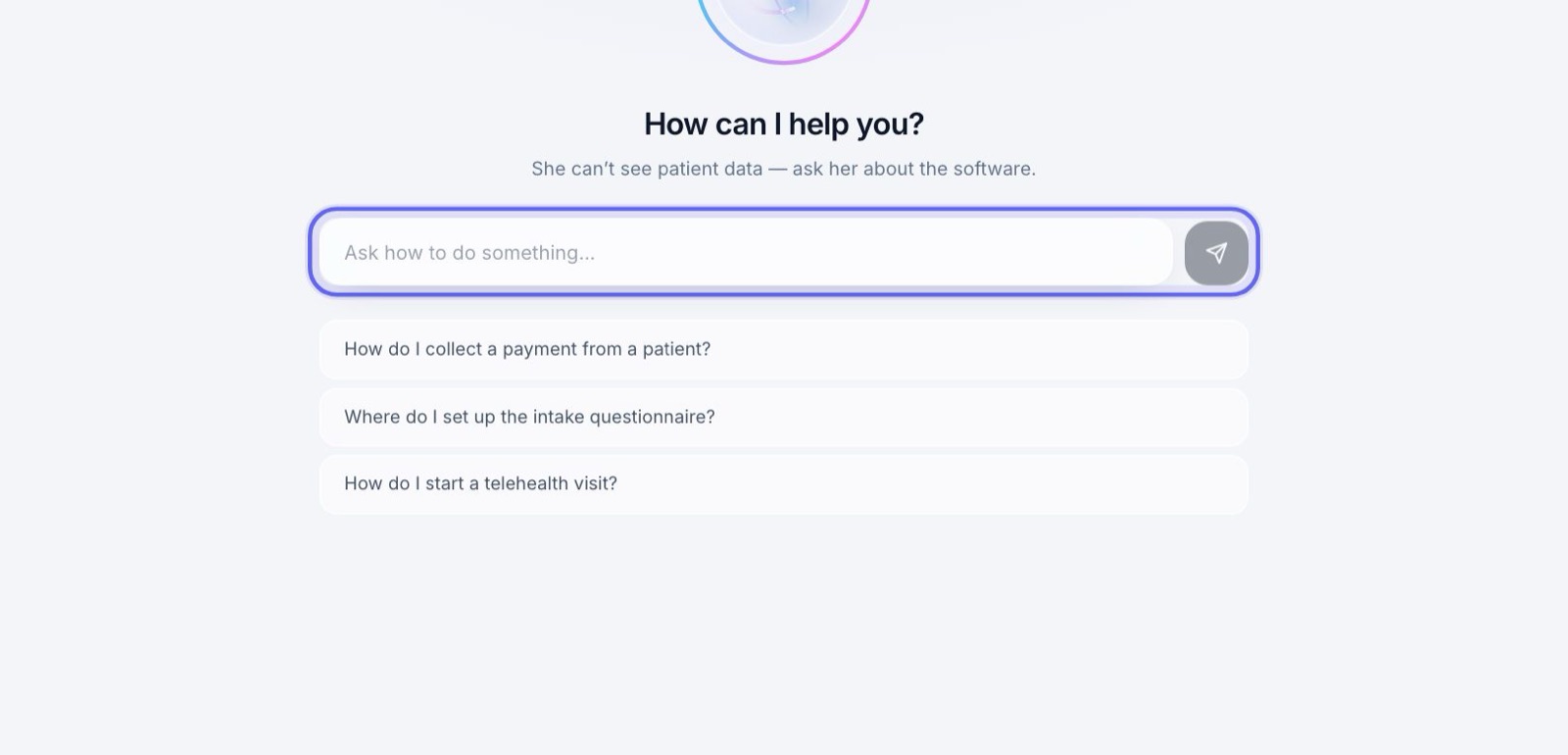
- 1Click in the box that says Ask how to do something…
- 2Type your question and press Enter, or the send arrow.
- 3The answer shows below your question. Ask a follow-up the same way.
- 4The conversation clears when you leave the page.
4Not sure what to ask?
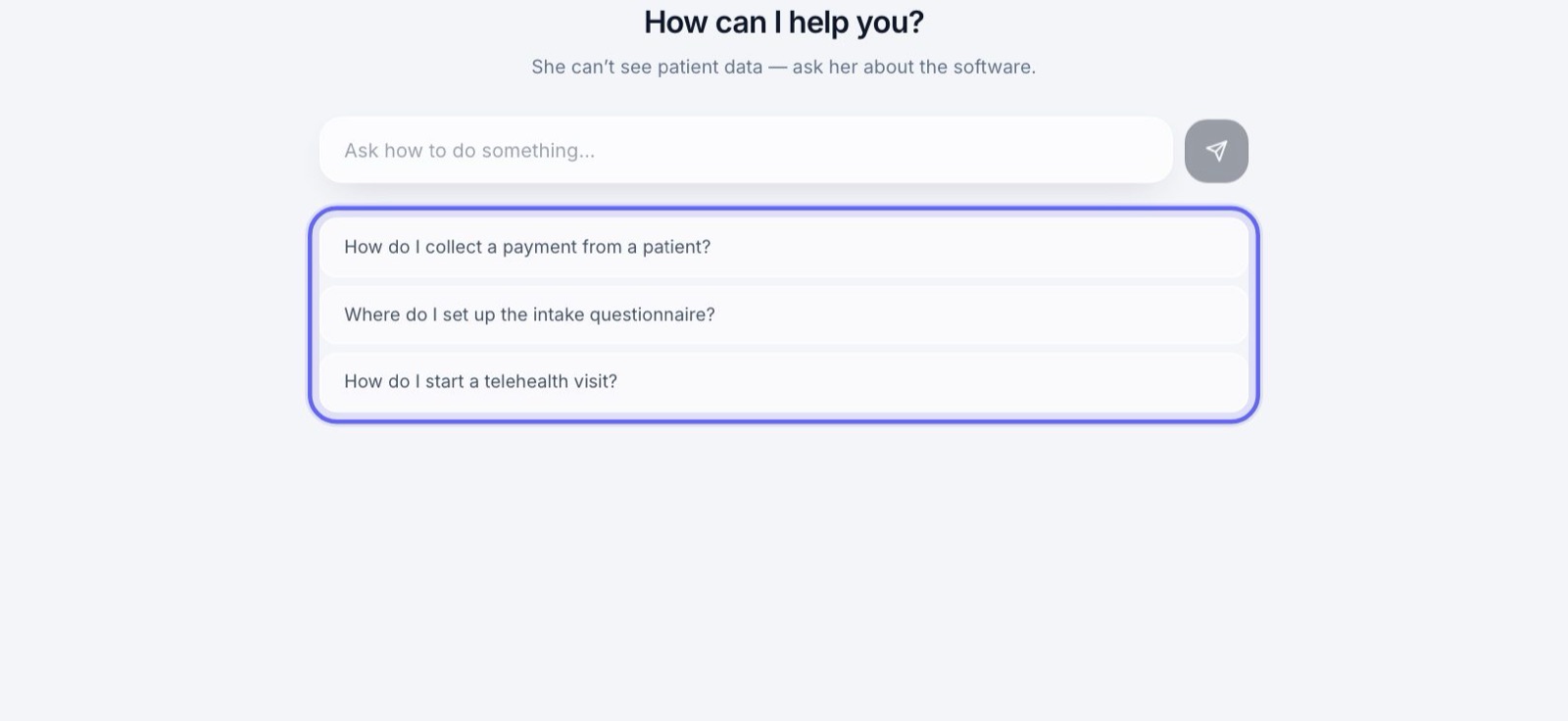
Before you ask anything, three example questions sit under the box, like How do I collect a payment from a patient? Click one to ask it.
5When an answer doesn’t help
Under the latest answer, press That didn’t help. Your question goes to the people who write the answers, so it can be answered better.
It doesn’t change anything for anyone else right away.
6Ask out loud
- 1Click the Talk tab.
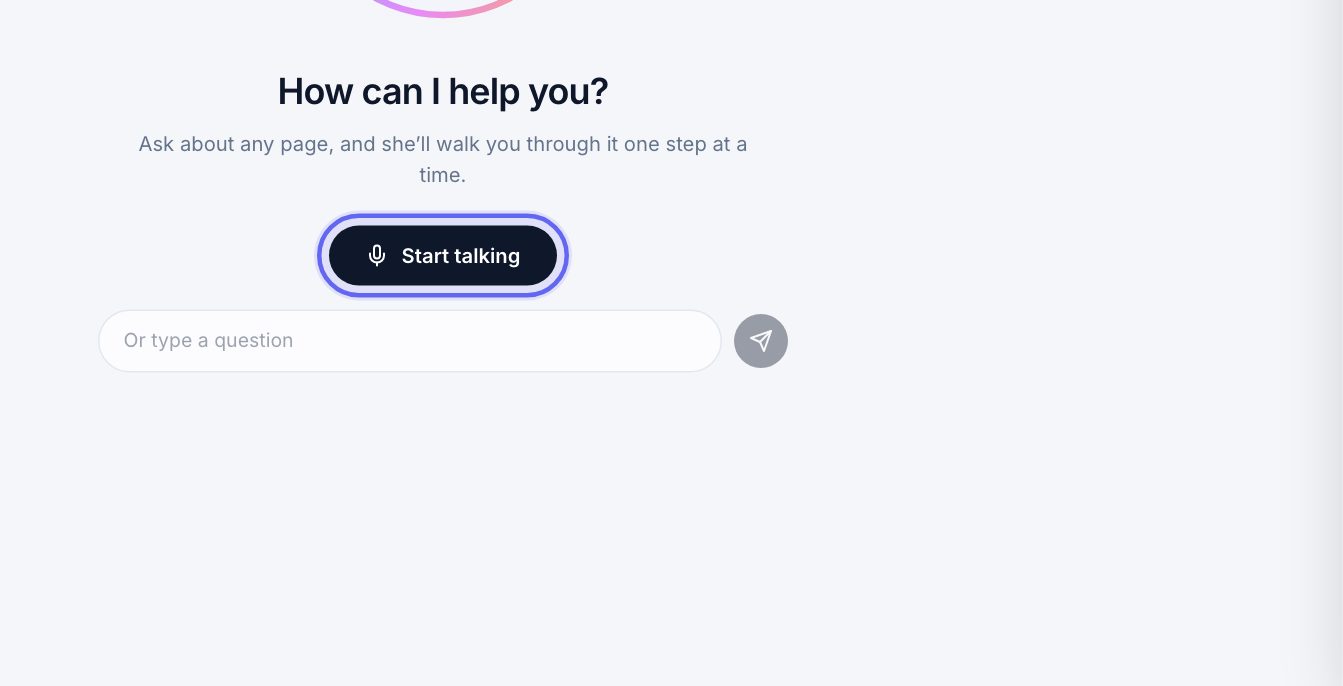
- 2Press Start talking. Your browser may ask to use your microphone. Allow it.
- 3Wait for the greeting to finish, then ask your question.
- 4Use the microphone button to mute yourself, and End to stop.
7Typing on the Talk tab
The Talk tab has its own box, Or type a question. A question typed there is answered in writing, and never switches your microphone on.
It’s handy at the front desk, with a patient standing in front of you.
Keep going
Suggestions
Tell the Aminova team what would make Aminova better for your clinic. It goes straight to us.
Read the guideThe tutorial and the checklist
A guided walk through every page you use, and a checklist of what to learn and set up. Practice on a made-up patient that nothing ever reaches.
Read the guideDashboard
Your clinic at a glance. Today’s numbers, who is coming in, the money taken, work that needs a person, and the bell where anything new for you lands.
Read the guideRather be shown?
Inside Aminova, the tutorial walks you through every page, and the Getting started checklist shows you each task click by click. Or book a live training session with our team.