1The page at a glance
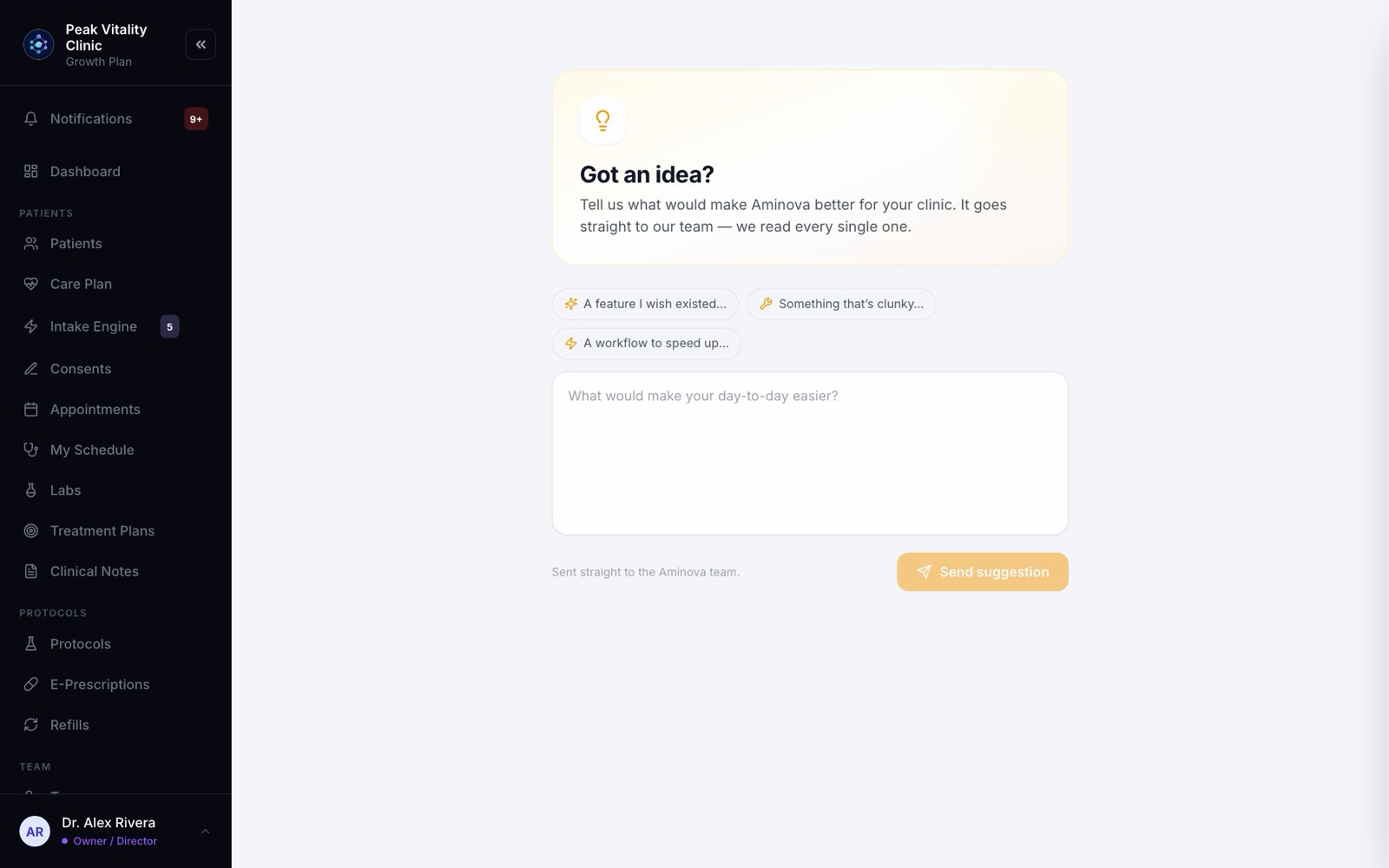
Open Suggestions under Help, at the bottom of the sidebar.
At the top it asks Got an idea? Under that are three idea starters, a box to write in, and Send suggestion.
2What to send
Anything that would make your day easier: a feature you wish you had, a screen that feels clunky, or a job that takes too many clicks.
For a question about how to do something, the AI Assistant is quicker.
3Need a start?
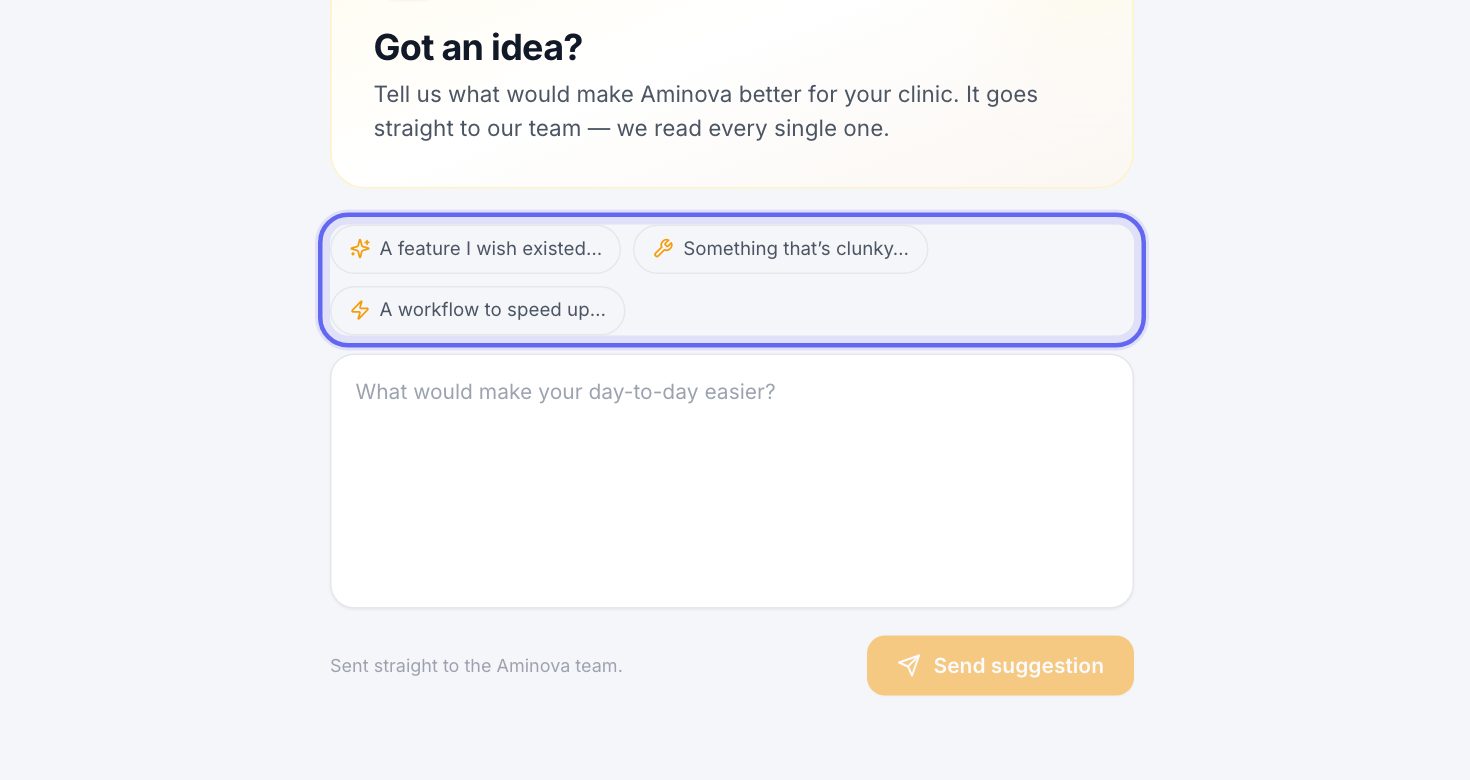
Click A feature I wish existed…, Something that’s clunky… or A workflow to speed up… to begin your idea with those words. They only fill an empty box.
4Write your idea
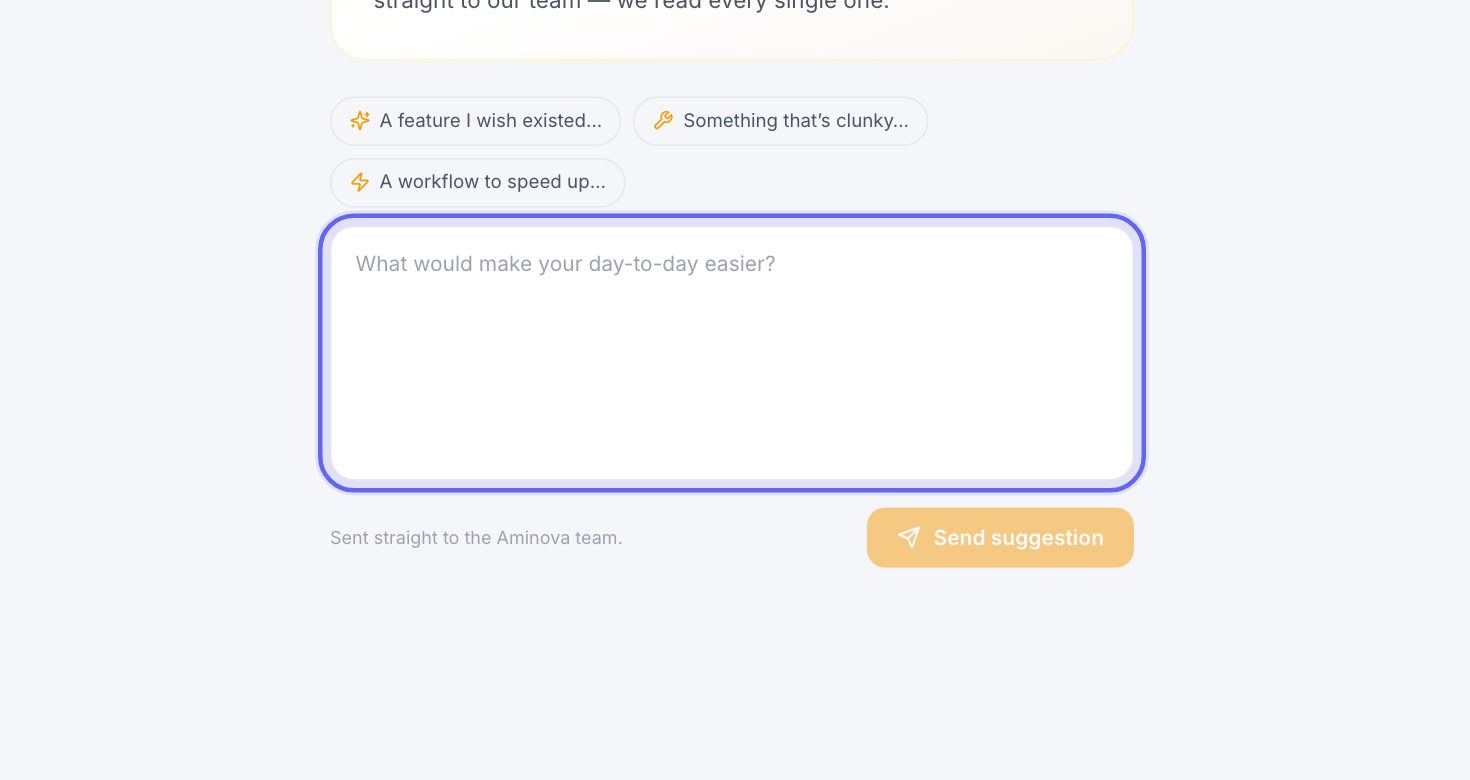
- 1Type in the box that asks What would make your day-to-day easier?
- 2A feature you wish you had, or something that feels slow. Say what you’d like to happen.
- 3Leave out patient details. Describe the problem, not the person.
5Send it
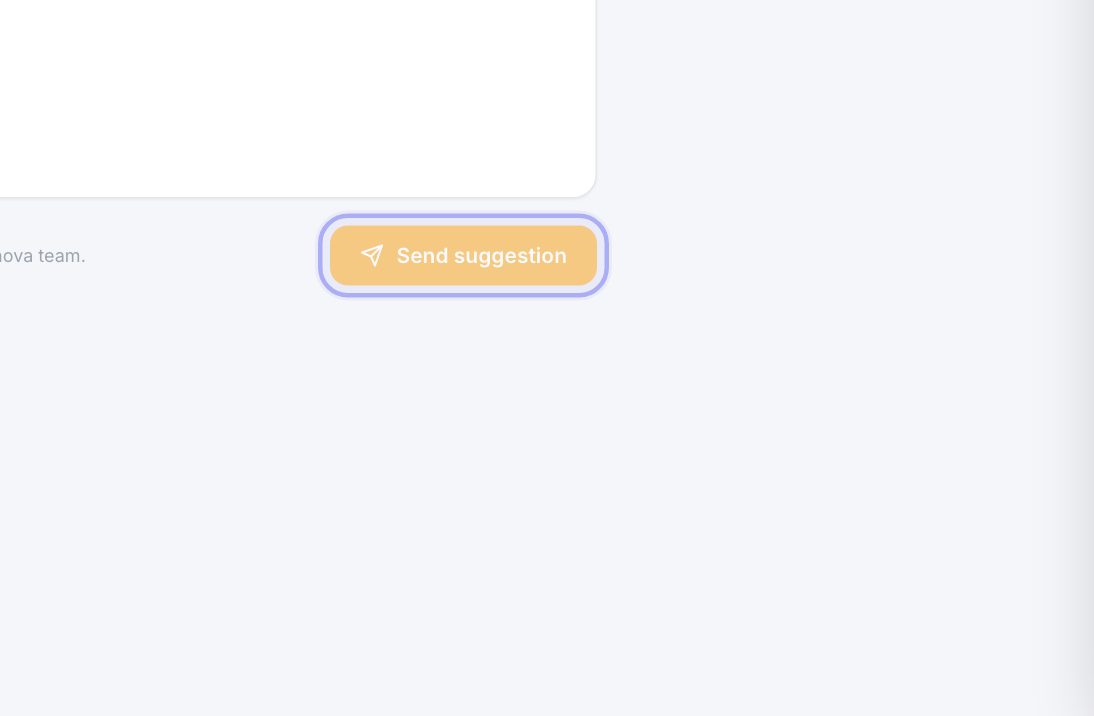
- 1Press Send suggestion.
- 2You’ll see Thanks — we got it! Press Send another to write a new one.
6Where it goes
It goes straight to the Aminova team, and we read every one.
Your name, email and clinic go with it, so we can write back to you if we have a question.
Keep going
AI Assistant
Ask how to do anything in Aminova, by typing or out loud. It knows the software, not your patients.
Read the guideThe tutorial and the checklist
A guided walk through every page you use, and a checklist of what to learn and set up. Practice on a made-up patient that nothing ever reaches.
Read the guideRather be shown?
Inside Aminova, the tutorial walks you through every page, and the Getting started checklist shows you each task click by click. Or book a live training session with our team.